Ask one useful question at a time.
Define qualification questions around your business: what the visitor wants to achieve, their timeline, and the help they need. Keep the exchange conversational rather than turning it into another long form.
Ask useful questions, collect contact details with consent, and give your team the conversation behind each opportunity.
Your sources. Your team. Your conversation.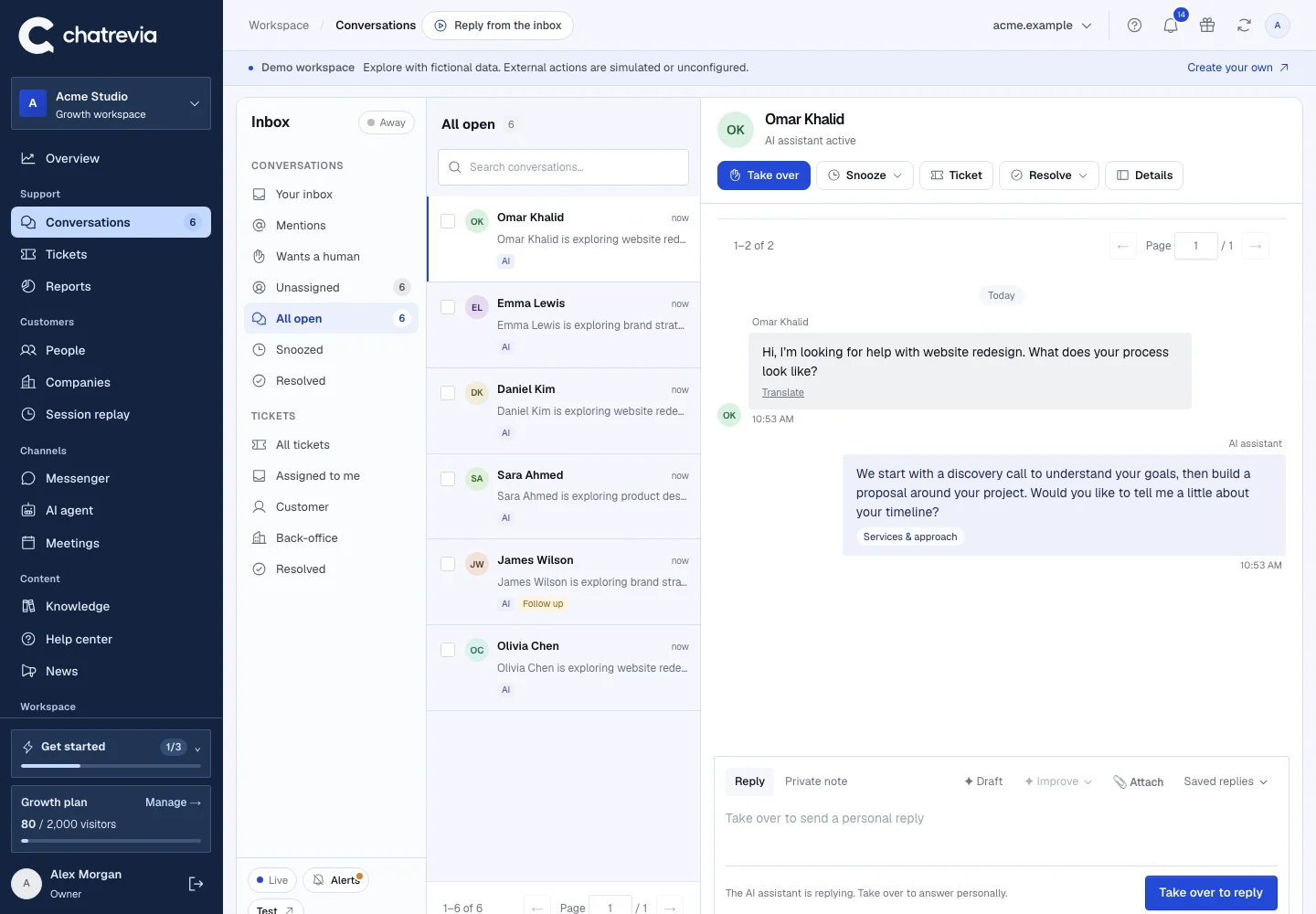
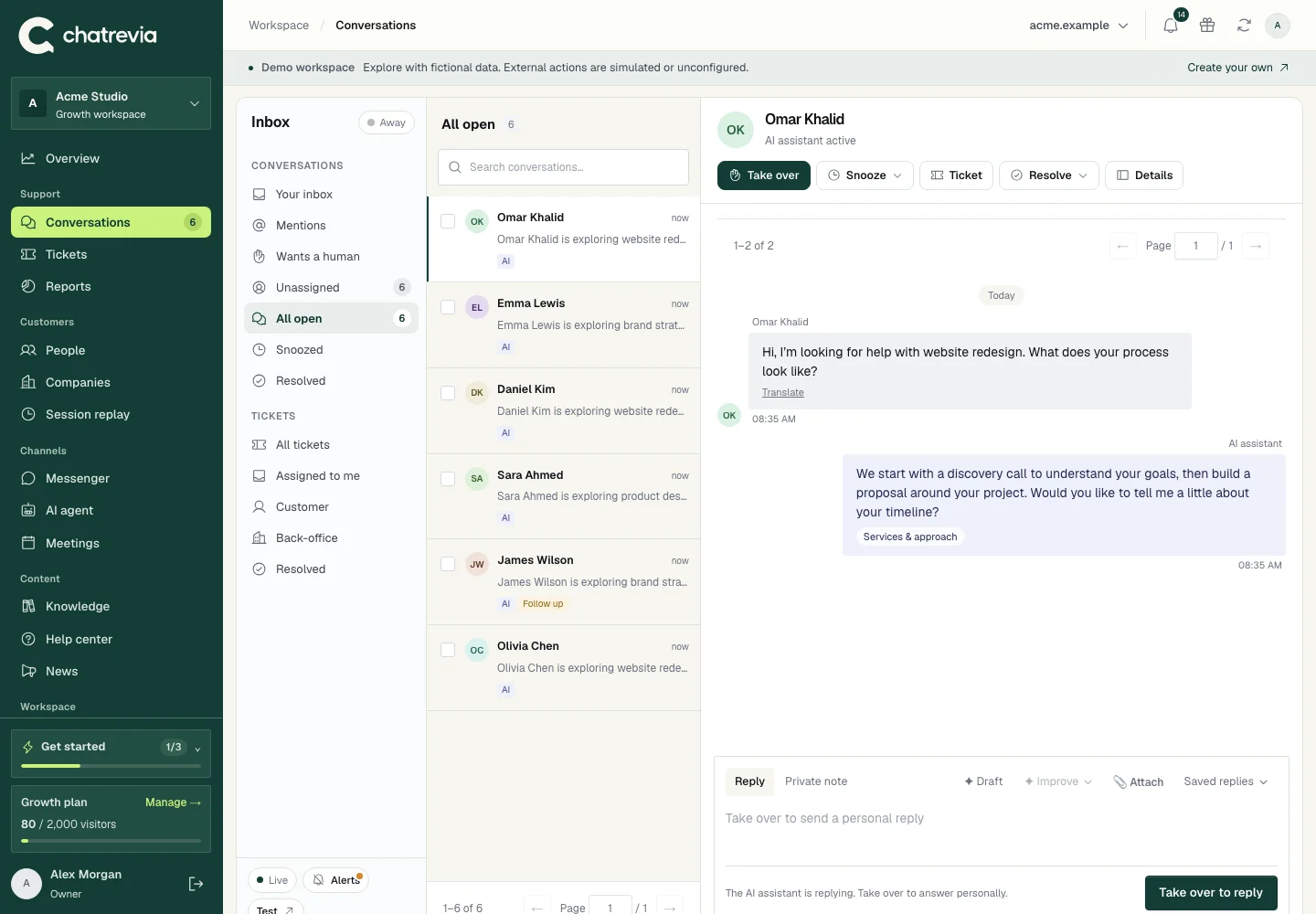
Define qualification questions around your business: what the visitor wants to achieve, their timeline, and the help they need. Keep the exchange conversational rather than turning it into another long form.
When visitors choose to share details, your team can follow the thread from the conversation to their profile. Review the actual messages before deciding how to follow up.
Use your connected CRM and routing rules to move consented contact information into the workflow your team uses. CRM connections require a supported plan and provider setup.
Start with the information your team needs to help.
Read what the visitor said, not just a contact record.
Continue in the inbox, offer a meeting, or route a contact to your CRM.
No. Do not assume an anonymous session is a named person. Contact details come from what visitors choose to share; available company context should be reviewed before use.
Yes. Edit them in AI agent settings, or use Write with AI to create an editable draft from your published knowledge.
No. Start with Conversations and People. Connect a CRM when you need to move contacts into an existing sales workflow.
Publish your knowledge, try your agent, and give visitors a useful next step.