Skip to content
The source of a better answer

Your expertise.
Ready for every question.

Turn your website, documents and FAQs into a knowledge base you can review, publish and improve.

Your sources. Your team. Your conversation.
Inside ChatreviaKnowledge
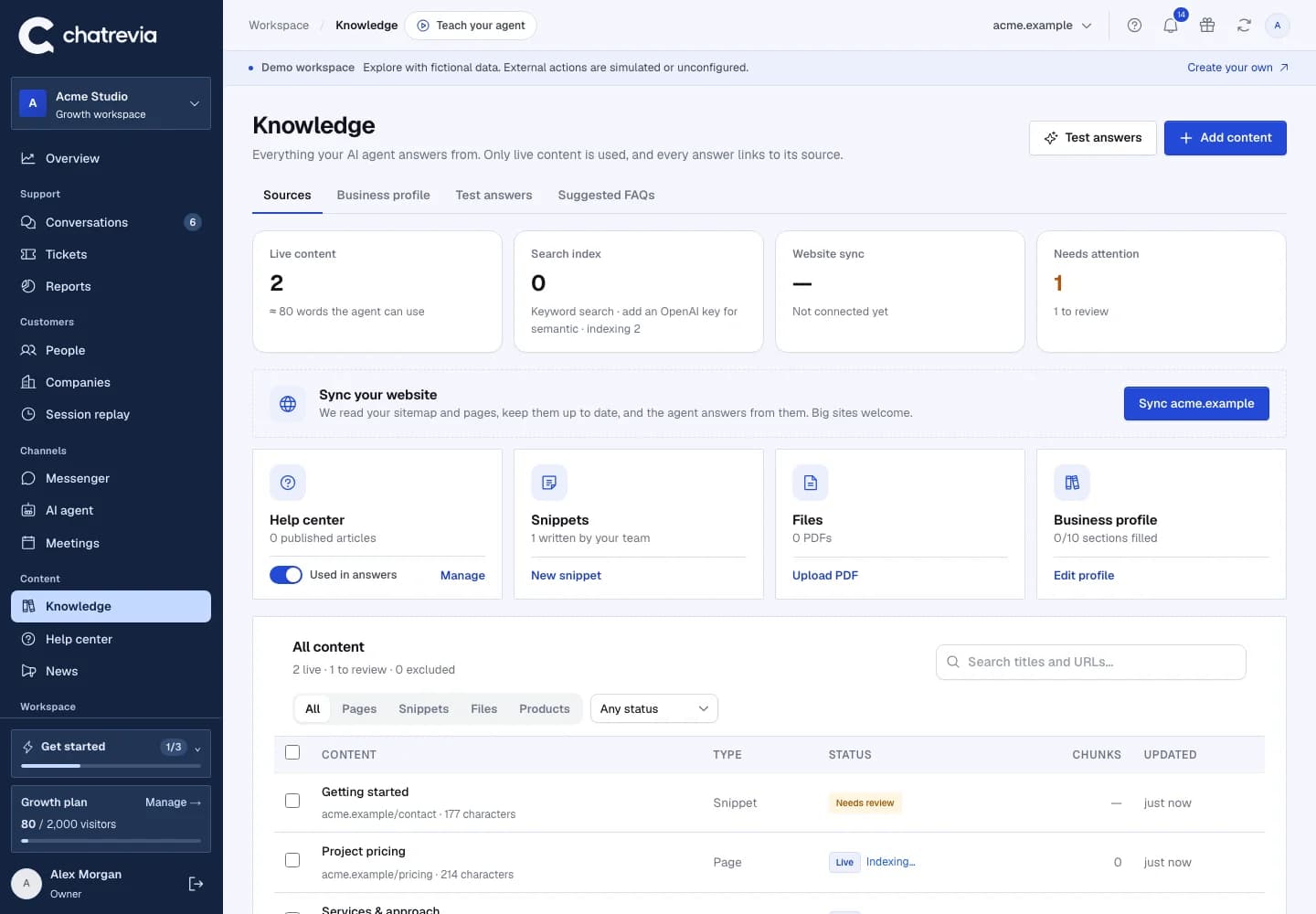
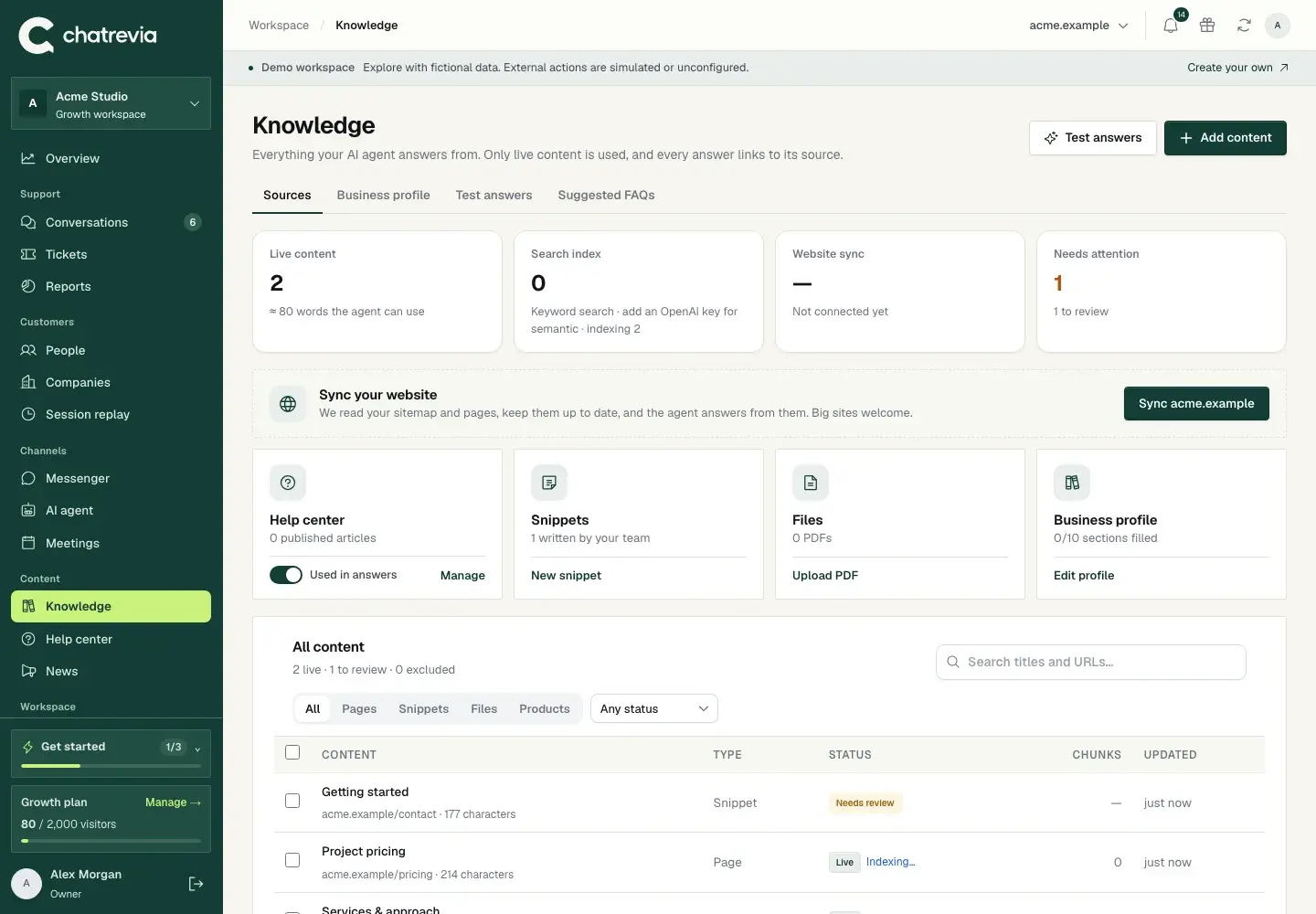
Knowledge workspace · Actual product, fictional demo workspaceKnowledge workspace · Actual product, fictional demo workspace
Knowledge workspace · Actual product, fictional demo workspace
01

Bring the useful parts together.

Import public website pages, upload PDF, Word, text and Markdown files, bring in a spreadsheet of questions and answers, sync the Notion pages you choose, or write a clear answer yourself. Keep pricing, service details and policies close to the people responsible for them.

02

Review before visitors rely on it.

A source is not ready just because it has been imported. Check the text and publish it when it is accurate. Editing a published source returns it to draft so you can review the change.

03

Use questions to improve the source.

Every AI answer gets a confidence score from how well your knowledge covered the question. Review unanswered and low-confidence answers, fix one with Improve answer, and it becomes a Q&A snippet the AI uses from then on.

Put it to work

A clear path from setup to first use.

Open the setup guides
  1. 01 /

    Add your sources

    Bring public pages, documents, Q&A sheets, Notion and written answers.

  2. 02 /

    Review and publish

    Check the extracted text and approve what is useful.

  3. 03 /

    Keep improving

    Use real questions to decide what to update next.

Good questions

Before you get started.

Can I import private pages?

The website crawler is for accessible public pages and respects crawl restrictions. Use supported uploads or write a source for information you are authorized to share with visitors.

Why is a PDF missing text?

A scanned image may not contain extractable text. Use a text-based PDF or add the information as a written source.

Which files and tools can I import from?

PDF, Word (.docx), plain text and Markdown files up to 5 MB each, CSV or Excel sheets of questions and answers (up to 500 rows at a time, previewed before import), and Notion pages and databases you share with an integration, kept in sync daily, weekly or monthly.

Will unpublished sources appear in answers?

The agent uses published knowledge. Review and publish a changed source before expecting it to appear in a new answer.

Your next conversation starts here.

Publish your knowledge, try your agent, and give visitors a useful next step.

Get started free