Know when a visitor needs a person.
The two-way Slack app opens a thread when a visitor requests a human. Teammates can reply in that thread to continue the visitor conversation.
Connect Slack to bring handoffs and lead alerts into your workday. Choose notifications or a two-way conversation workflow.
Your sources. Your team. Your conversation.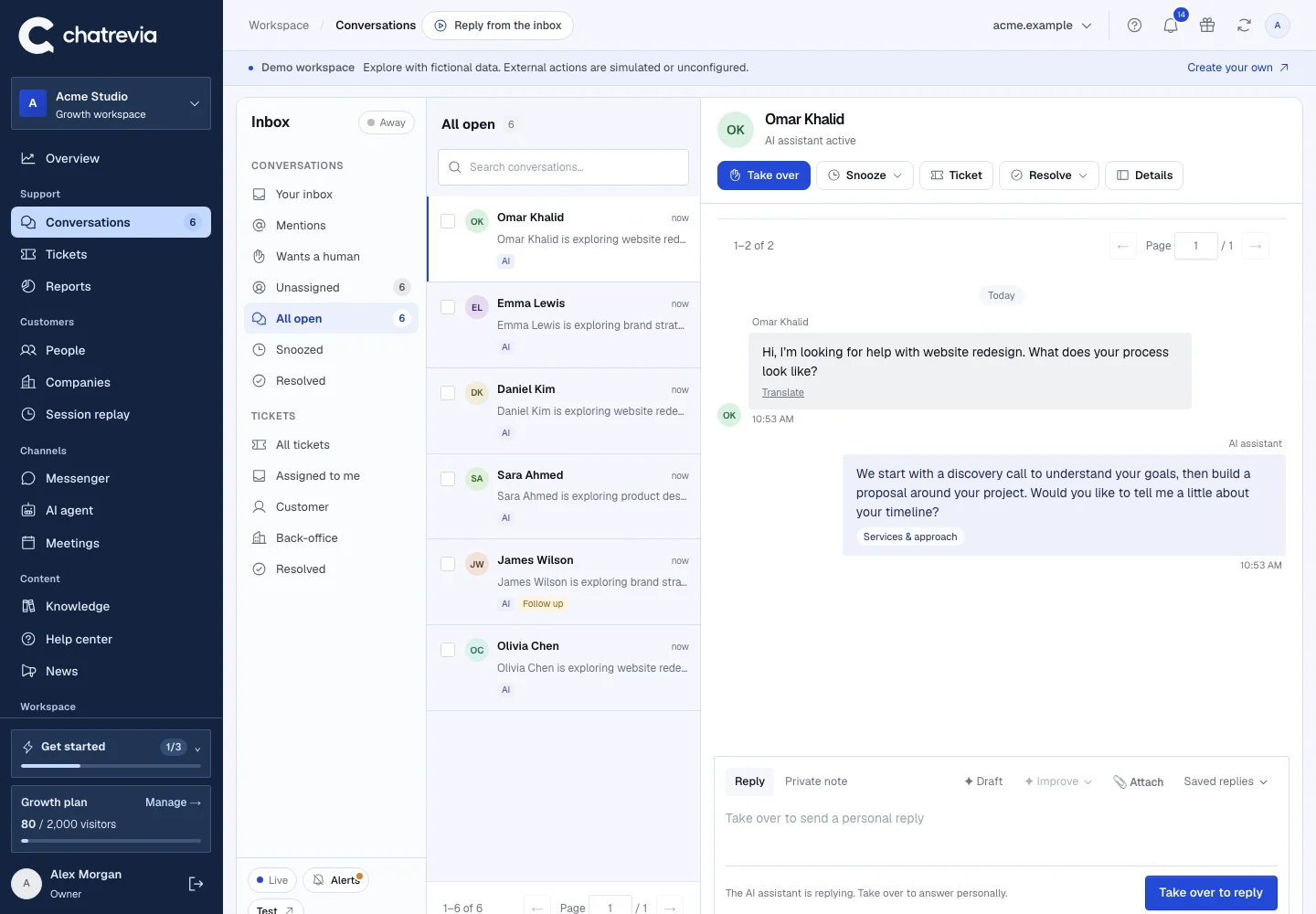
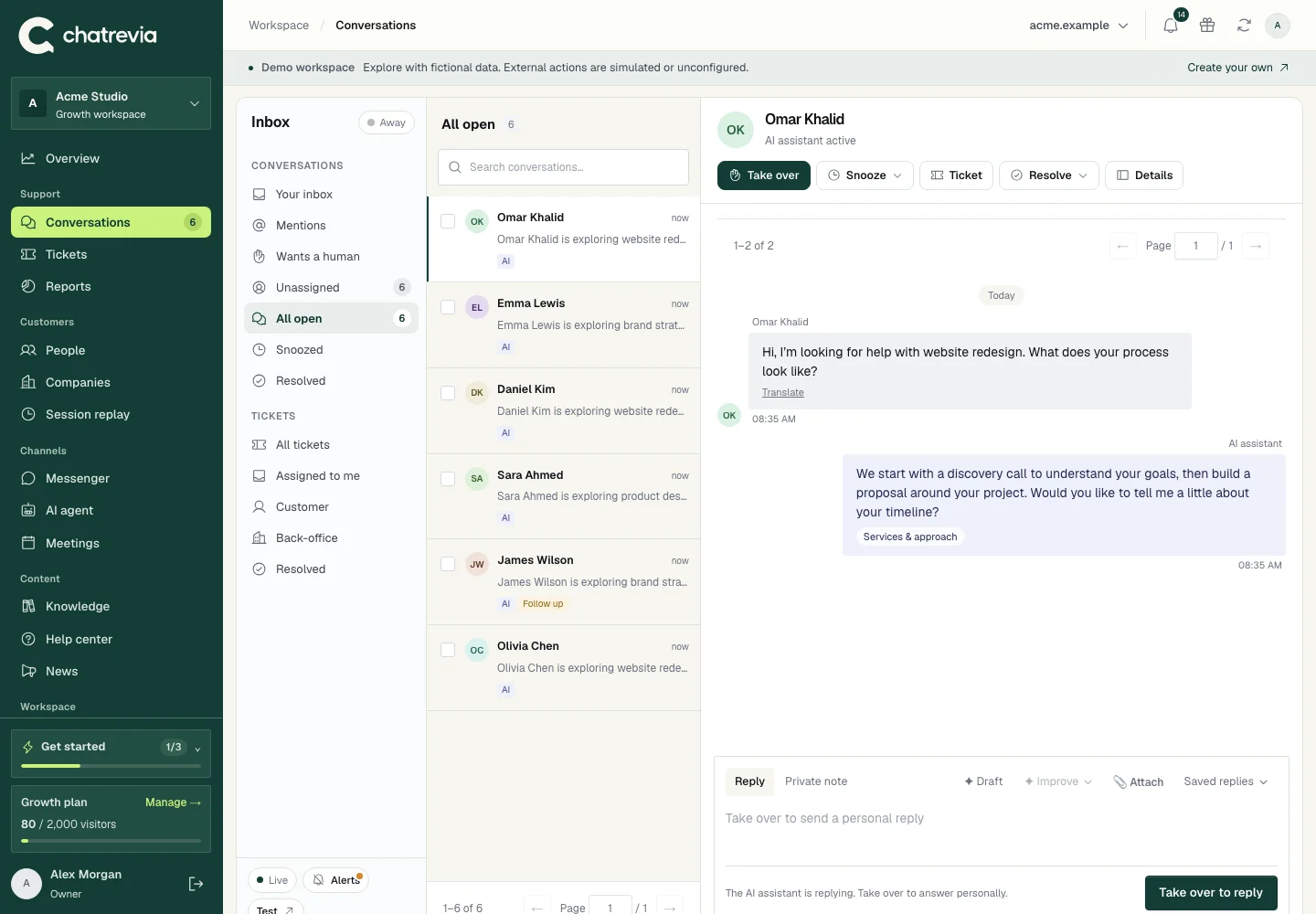
The two-way Slack app opens a thread when a visitor requests a human. Teammates can reply in that thread to continue the visitor conversation.
Use a Slack incoming webhook for lead alerts, or configure the Slack app for two-way replies and handoff escalation. The integrations directory explains the permissions each connection needs.
Define your handoff escalation time and team availability. Check delivery and the shared inbox so a request does not disappear into a busy channel.
Open Integrations and select the Slack connection you need.
Configure the provider and invite the app where required.
Request a person in a test conversation and check the complete reply path.
Use the thread created for the handoff. Test the integration with your team before using it for customer conversations.
No. Your team can always work from the Chatrevia inbox. Slack is an additional connected workflow.
Yes. Use Request integration in the app to describe the tool, workflow or custom webhook you need.
Publish your knowledge, try your agent, and give visitors a useful next step.