See the whole story.
Conversation history, visitor-provided details, and source references live together.
An AI agent for your visitors. A shared inbox for your team. The knowledge and connections to keep every conversation moving.
Free to explore. No credit card required.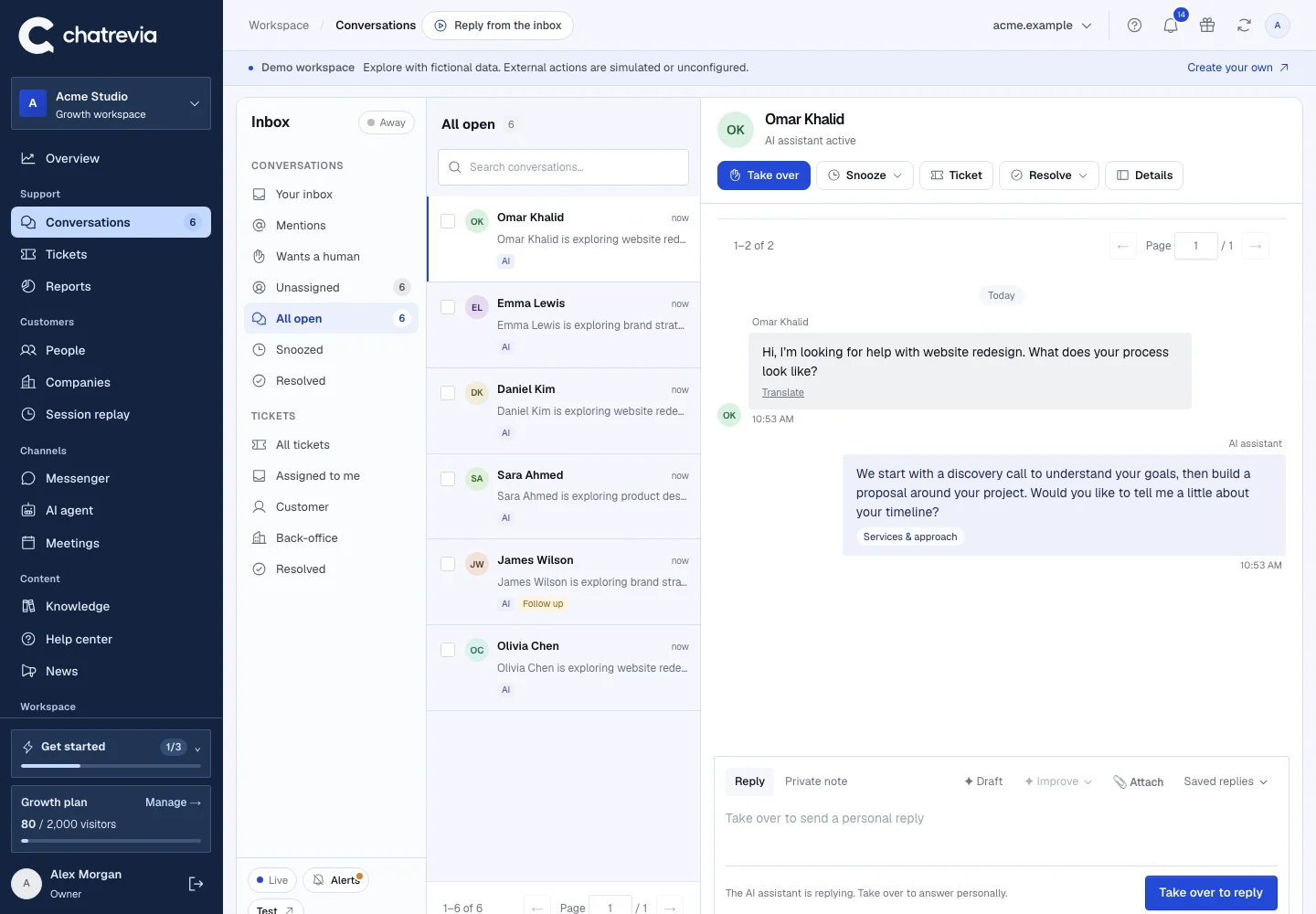
The conversation, the context, and your next reply. Together.
Actual product · Fictional demo dataHelp visitors find their way, right on your website. Your assistant answers from the knowledge you publish and keeps a path to your team close by.
Give visitors useful information grounded in your business, with links to the published sources.
Visitors can ask for your team. Teammates take over with the conversation already in front of them.
Set your greeting, brand color, and tone. Support visitors in 10 languages with automatic browser-language detection.
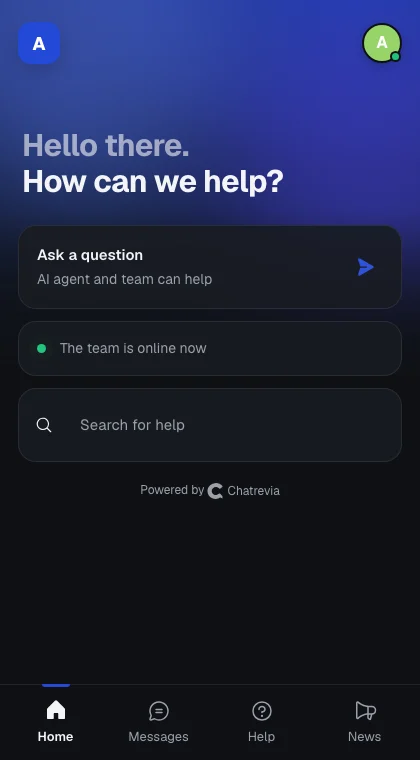
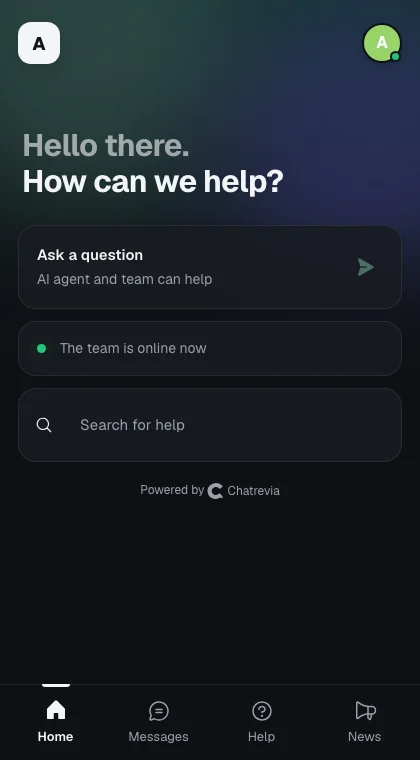
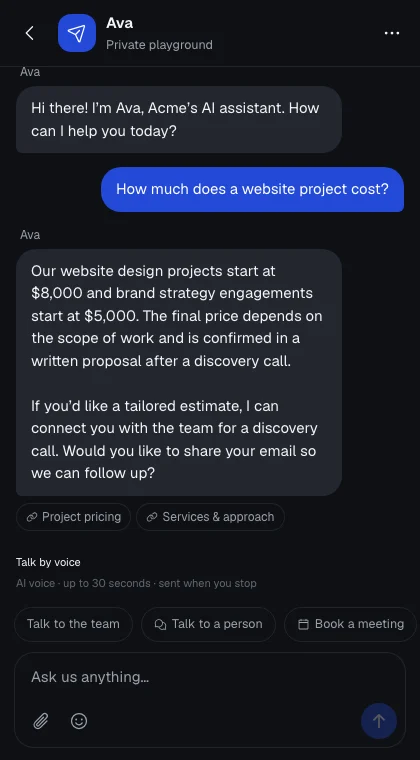
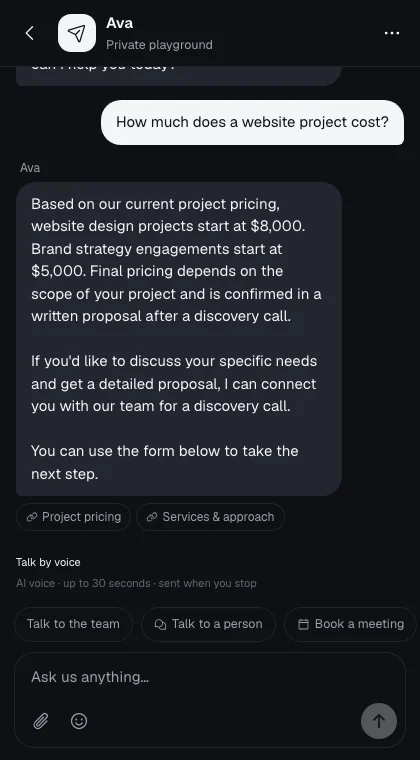 An answer grounded in your business.
Actual messenger · Fictional demo workspace
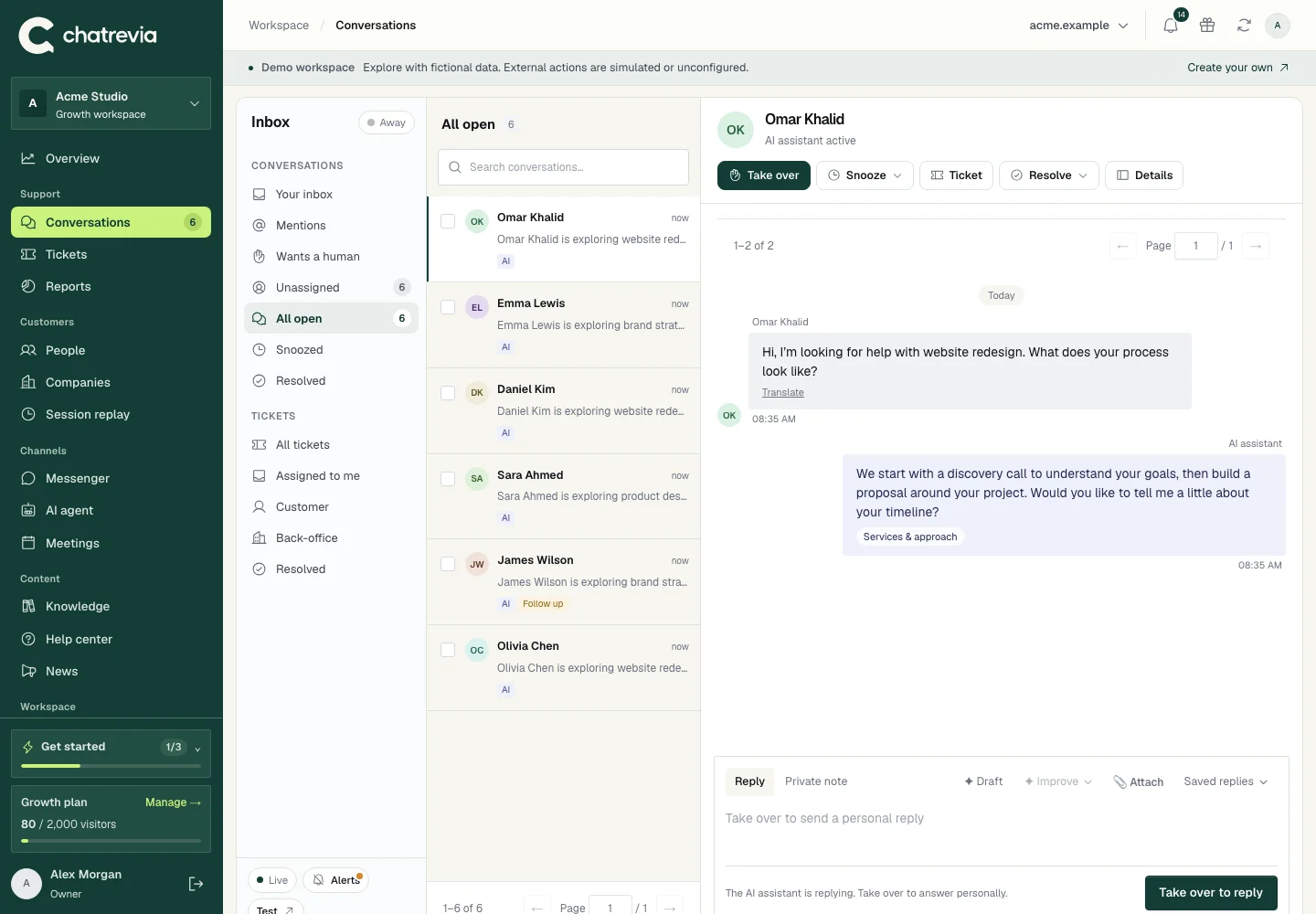
AI and people share one thread. Read what’s already happened, see what informed an answer, and send the next reply yourself.
Conversation history, visitor-provided details, and source references live together.
Take over from the assistant and reply personally without asking visitors to start again.
Organize conversations, track follow-up, and review the opportunities your team captures.
A real question. An answer grounded in published knowledge. Watch the messenger respond to a visitor asking about project pricing.
Recorded in the real app.Your website, documents, and FAQs become a reviewed knowledge base. You decide what’s ready to be used in an answer.
Crawl public website pages, upload text-based PDFs, or write answers to common questions.
Check the content before it reaches visitors. Edits return a source to draft for another review.
Use your private playground to try questions and check the experience before installing.
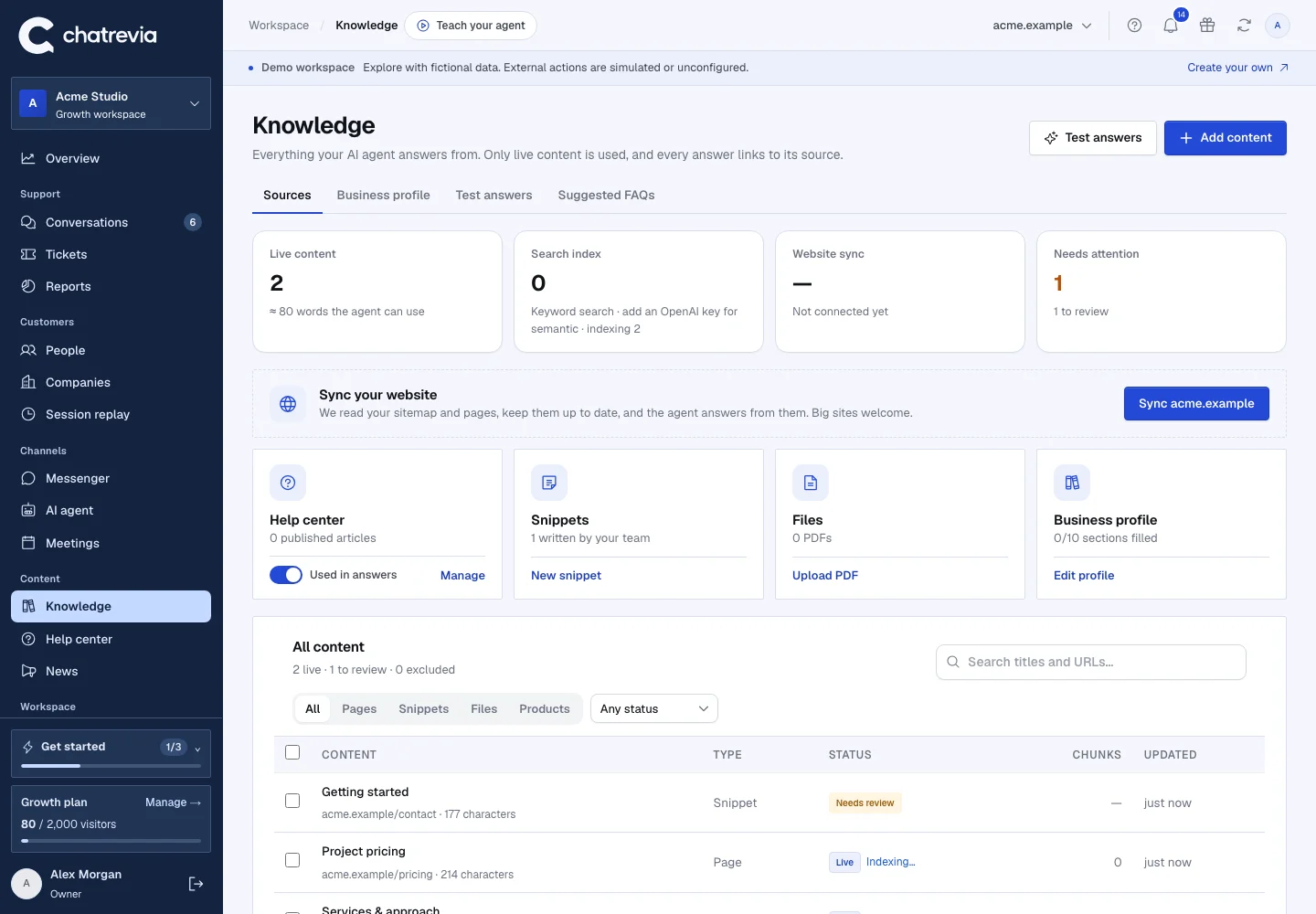
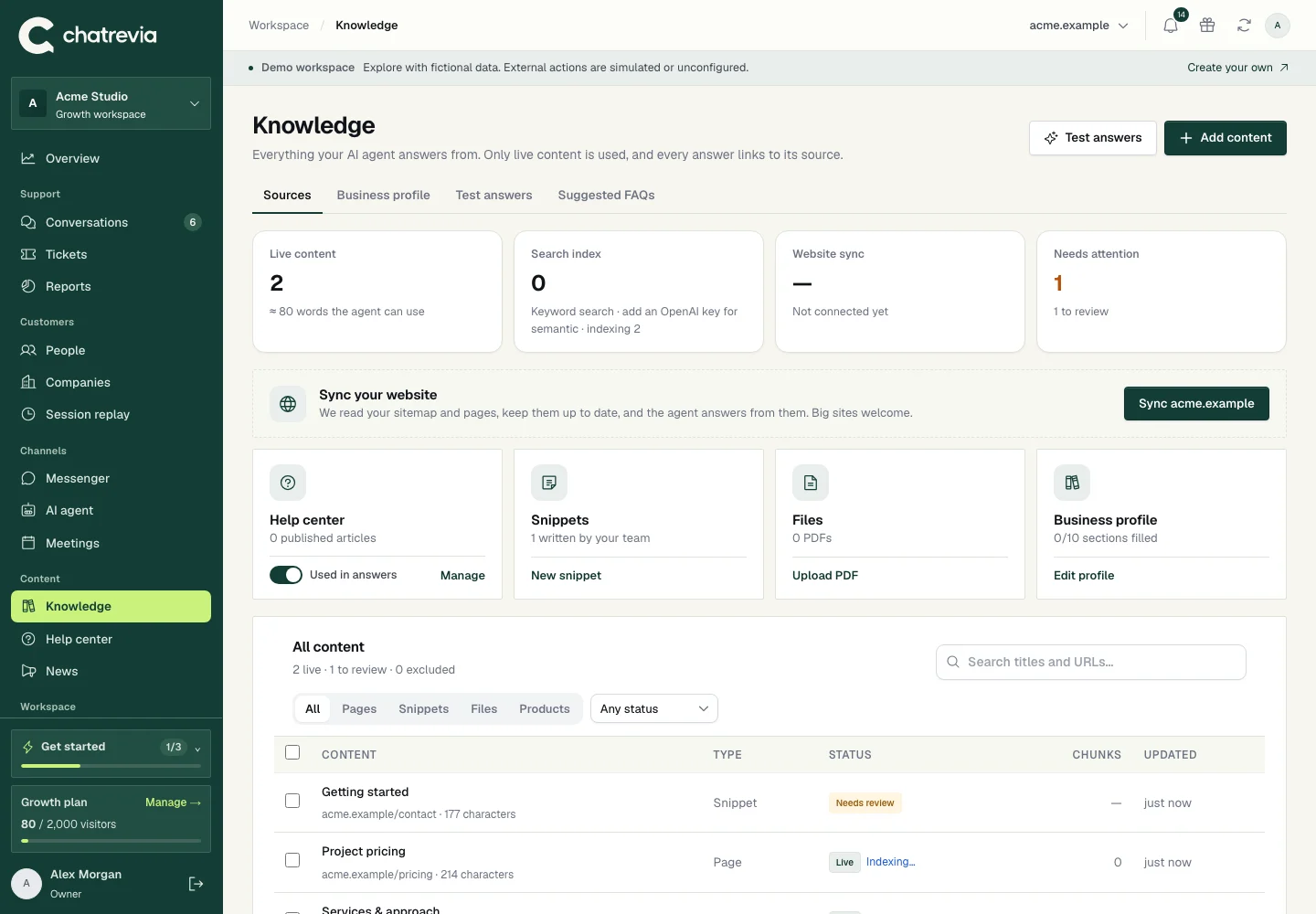
Turn visitor interest into something your team can act on. Connect your CRM, route alerts to Slack, and let visitors choose a meeting time inside the chat.
Available on Growth and Scale. Provider connection and workflow setup required.
HubSpot · Salesforce · Pipedrive
Attio · Close · Folk
Qualified lead alerts and human handoff notifications.
Connected availability and booking inside the conversation.
Start with a free workspace. Add your knowledge, make the messenger feel like you, and test before going live.
Save 26% on Growth and Scale with yearly billing.Review and publish the sources your AI can use.
Choose your look, greeting, and conversation settings.
Verify your domain and add the widget to your site.